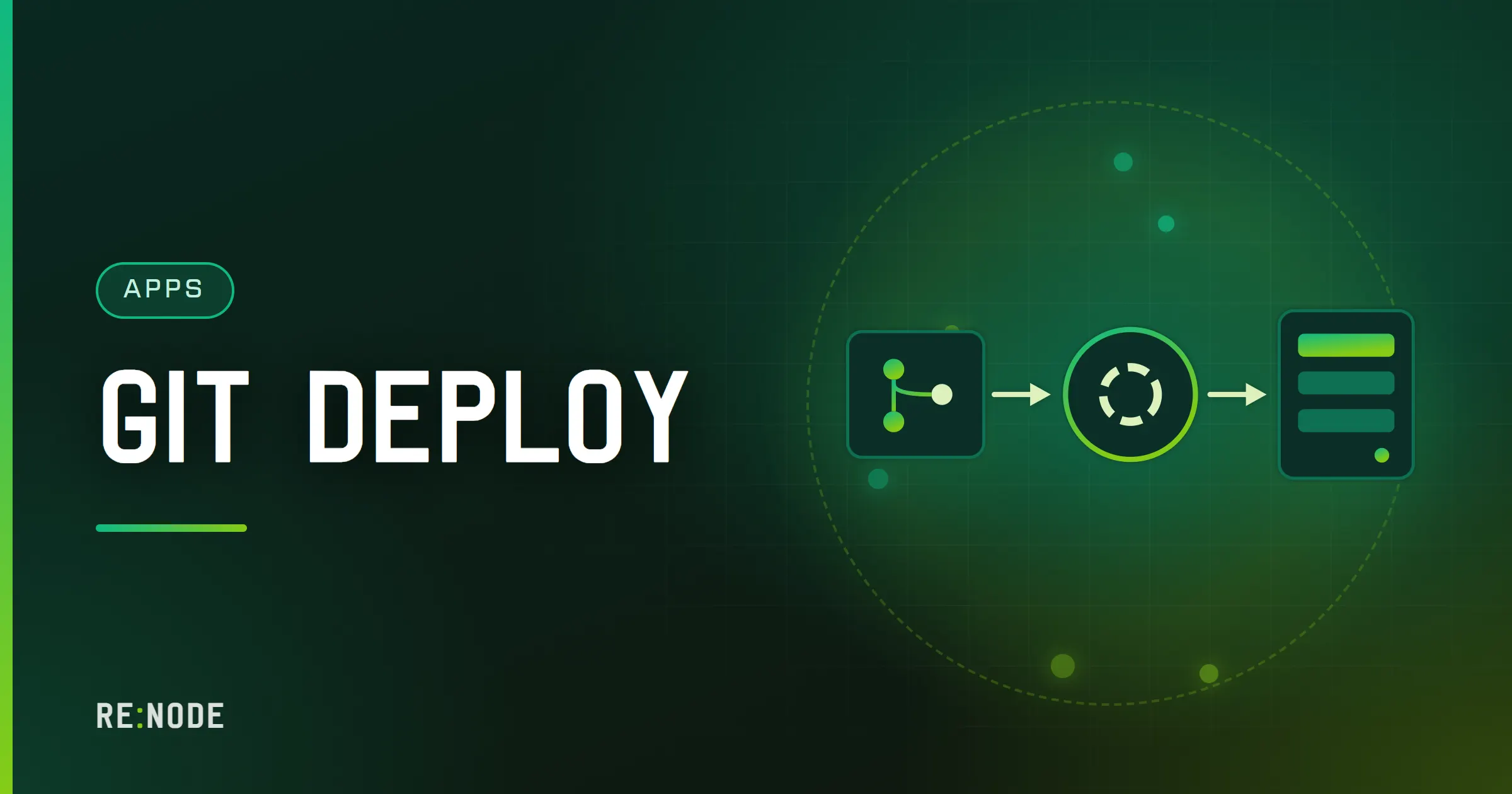
The fastest way to a running app on a new server is not to write the app first. It is to start from a small repository that already does the four things a hosted server insists on - listens on 0.0.0.0 on the port it was given, has a start script or entry file the runtime can find, pins a runtime version the server offers, and keeps secrets out of Git - and then change it into your app one commit at a time. Create a repository from a template, point the server at it, press deploy, and the first start shows a working page instead of a stack trace. Everything after that is ordinary development: you push, the server pulls and restarts.
This post covers what a starter template is and how it differs from the placeholder page a new server shows, the rules every starter follows and why, a step-by-step from empty server to live app, what is inside each of the six starters we keep (Next.js, Express, a Discord bot, a Telegram bot, FastAPI and a static site), how to customise them without breaking the deploy, and how to set up deploy on every push. Most of it applies on any host that deploys from Git; the RE:NODE parts are marked as such.
Template, starter page, one-click app: three different things#
People use "starter" for several things, and mixing them up causes most of the confusion on day one.
A GitHub template repository is a normal repository with one box ticked in its settings. Instead of forking it, you press Use this template and GitHub creates a brand new repository in your account with the same files and a clean history. There is no link back to the original, no upstream to keep in sync, and nobody else sees your commits. It is yours from the first second. That is the right shape for a starter: you are not contributing to the template, you are taking it as a skeleton.
A starter page is what a new, empty runtime server shows before you deploy anything. On RE:NODE, every runtime line except Node.js starts with a small working page on its address until you deploy code, and it is never written over your files. It exists so that the first start of a fresh server says "here is what to do next" instead of crashing with Cannot find module './index.js'. It is not an app you build on - deploying your repository replaces it.
A one-click app is a finished product installed for you: WordPress on the web line, Ghost and Strapi on the app line. You configure them, you do not write them. If what you want is a blog, one of those is the shorter road, and the Ghost guide or the Strapi guide is the better next read.
A starter template sits between the two: real code, small enough to read in five minutes, already shaped for the server it is going onto.
The four rules every starter follows#
A hosted app server is not your laptop. It runs one process in a container, it gives that process exactly one public port, and it starts the process the same way every time. Almost every failed first deploy breaks one of the following rules, which is why every starter is built around them.
| Rule | What it looks like | What breaks without it |
|---|---|---|
Bind 0.0.0.0 on the given port | SERVER_PORT from the environment | App runs, nobody can reach it |
| A start the runtime can find | start script or app.py | Crash on start, nothing to run |
| A pinned runtime version | .nvmrc, .python-version | Works locally, fails on the server |
| Secrets outside Git | .env in .gitignore | Tokens leaked in the repository |
The port. On a panel built on Pterodactyl, the port your server owns is passed to the process as an environment variable, SERVER_PORT. Our Node.js and Python starters also fall back to PORT, which many platforms use, and then to a local default so the same file runs on your machine. The address matters as much as the port: an app that listens on localhost or 127.0.0.1 answers only inside its own container. It looks healthy in the console and is unreachable from the internet. 0.0.0.0 means every interface, and it is the only address that works.
The start. The runtime needs to know what to run. For Node.js that is the start script in package.json. For Python it is a file named on the Startup tab, app.py by default, run after requirements.txt is installed. A web hosting server needs neither - its own web server serves an index.html from the web root.
The version. .nvmrc and .python-version say which major version the code was written for. The server still runs whatever version is picked under Runtime version on the GitHub tab, so the file is a reminder and a check, not a switch - but the pre-flight check reads it and tells you when the two disagree, which is worth a lot when Next.js stops supporting the version you happen to have picked.
The secrets. Every starter ships a .env.example with the names of its settings and fake values, and a .gitignore that keeps the real .env out. You fill in the real values on the server. More on why and how in environment variables and secrets.
The six starters and what they run#
We keep six starter repositories, each built and tested against the panel's own pre-flight check so that a repository created from one reports nothing to fix. They are offered only on servers whose runtime matches.
| Starter | Server it fits | What you get |
|---|---|---|
| Next.js | Node.js, Node 22 | App Router site with a health route |
| Express API | Node.js, Node 22 | JSON API: /, /health, /echo |
| Discord bot | Node.js, Node 22 | discord.js bot with /ping |
| Telegram bot | Python, 3.12 | Echo bot on long polling |
| FastAPI | Python, 3.12 | API with docs at /docs |
| Static site | Web hosting | HTML and CSS, nothing to build |
There is no starter yet for Bun, Deno, Go, Java, Rust, .NET or Laravel. The Node starters read .env with a Node-only call and pin a Node version, which Bun is not guaranteed to honour, and we would rather offer nothing than a template we have not checked. The last section covers how to start those runtimes from a blank repository.
From empty server to running app, step by step#
This is the whole path for the Express starter on a Node.js server. The other starters differ only in the server you order and the settings you fill in.
- Order a server that runs the code - for Express, a Node.js plan from app hosting. It is created when payment clears, usually inside a minute.
- Open the server's GitHub tab and press Connect GitHub. This installs the RE:NODE GitHub App on your account and lets you choose which repositories it can see. The App uses short-lived tokens, so private repositories work.
- Under Start from a template, press Use template on Express API. This opens GitHub's own "create a repository from a template" page with a suggested name. Pick the owner, choose public or private, and create it. The panel creates nothing in your account itself - GitHub does, where you are already signed in.
- Come back to the panel tab. The repository list refreshes when the tab regains focus. If you shared only selected repositories with the App, add the new one under Manage repository access first.
- Pick the repository, leave the production branch on
main, and pick Runtime version - Node 22 for every Node starter. - Press Deploy. The panel asks for confirmation, because this reinstalls the server from the repository. On a new server there is nothing to lose.
- Start the server. The console shows the dependency install, then
Listening on 0.0.0.0:followed by your port. - Open the server's address and port in a browser. You get a small JSON reply with a message and the app name.
That is the five minutes. The longest part is usually step 3, deciding what to call the repository.
If you would rather use a domain than an address and port, the proxy slot on app plans handles that: point an A record at the address shown and a certificate is issued and renewed automatically. Your app keeps listening on its own port; the proxy sits in front, and the real client IP arrives in X-Forwarded-For.
What is inside each starter#
Each one is deliberately small. The point is that you can read all of it before you change any of it.
Express API
server.js reads an optional .env, sets up three routes and listens. The part that matters is the last few lines:
const port = Number(process.env.SERVER_PORT || process.env.PORT || 3000);app.listen(port, '0.0.0.0', () => { console.log(`Listening on 0.0.0.0:${port}`);});The .env is read with Node 22's built-in process.loadEnvFile(), so there is no dotenv dependency. npm run start runs node server.js; there is nothing to build. For what comes after the starter - error handling, logging, running it properly - see deploying an Express API to production.
Next.js
The Next.js starter is an App Router site with a home page and an /api/health route. Its start script builds and then serves:
{ "scripts": { "dev": "next dev", "build": "next build", "start": "next build && next start -H 0.0.0.0 -p $SERVER_PORT" }}Building on start means every restart rebuilds the site. That is slower than serving a committed build, but it means the server always runs exactly the commit it pulled, and there is no .next folder in Git to go stale. The cost is memory: next build is the hungriest thing a small Next.js site does all day. If the console shows the build dying on the smallest plan, that is the memory limit, not a bug - at the limit the container is stopped and restarted clean rather than swapping. Watch the memory graph during a build and size up if it touches the line. Deploying Next.js on a Node server goes further into standalone output and build caching.
FastAPI
app.py creates the app and runs uvicorn itself, rather than relying on a command line:
if __name__ == "__main__": port = int(os.environ.get("SERVER_PORT", os.environ.get("PORT", "8000"))) uvicorn.run(app, host="0.0.0.0", port=port)Keeping the bind address and port in the code is the reason: the Python server runs a file, and a file that starts its own server cannot be started on the wrong address by a forgotten flag. requirements.txt pins fastapi, uvicorn and python-dotenv to exact versions and is installed before every start. The interactive docs are at /docs from the first run. The FastAPI and Flask deploy guide covers workers and production settings.
Discord bot
A discord.js bot with one global slash command, /ping. It reads DISCORD_TOKEN and exits with a clear message if it is missing, rather than failing somewhere inside the library. A bot needs no inbound port, but if the server has one, the starter answers a small JSON health check on it, so an uptime monitor has something to ask. It asks Discord only for the Guilds intent; reading message content needs the privileged intent switched on in the Discord developer portal and added in code. Hosting a Discord bot 24/7 covers the rest.
Telegram bot
A python-telegram-bot echo bot that answers /start and repeats any text back. It uses long polling: the bot asks Telegram for new messages, so nothing has to reach it from outside and it needs no port and no domain. That is the simplest setup and the right default; webhooks are worth it only at volume, and they bring their own failure modes, covered in Telegram webhook troubleshooting.
Static site
index.html, 404.html and a stylesheet at the root, for a web hosting server. There is no start script and no port to bind: the server's own web server serves the files as they are. Anything in the web root can be downloaded by a visitor, so this one has no secrets at all. If you move to a bundler later, either commit the built output or point Where to put the code at the folder that holds it.
Customising without breaking the deploy#
The starters are meant to be changed. A few changes are safe at any time, a few need care.
Safe to change freely: routes, pages, handlers, the app name, styles, adding files and folders, adding dependencies. Add a package with npm install <name> or by adding a line to requirements.txt, commit the updated lock file or requirements, and push. The server installs what is listed on the next start. Commit package-lock.json; it is what makes the install on the server match the one on your machine. The difference between the two install commands is in npm ci vs npm install.
Change with care: the listen call, the start script and the entry file name. These are the four rules, and they are where a refactor quietly breaks a working server. Moving the server into src/index.js is fine as long as start follows it. Renaming app.py to main.py means changing the file named on the Startup tab too. Wrapping the app in a framework that listens on its own default port - many do, often 3000, 5000 or 8000 - means passing it the server's port explicitly.
Never commit: .env, tokens, database passwords, private keys. Copy .env.example to .env on the server through the file manager or SFTP and fill in the real values there:
APP_NAME=my-apiDISCORD_TOKEN=paste-the-real-token-hereDATABASE_URL=postgres://user:password@host:port/dbnameA restart or a push deploy resets the files that come from the repository and leaves an ignored .env alone. A reinstall is different: the first deploy, or a change of runtime version, replaces everything in the directory. Upload the .env after the first deploy, and keep a copy somewhere safe - it is the one file a fresh deploy cannot recreate.
Adding a database. App plans include database slots, created in the panel with a generated host, user and password. Put the connection string in .env, not in code. If you want the app, a database and a cache bought together, a bundle from the Bundles tab of the panel shop does that in one checkout, at a discount.
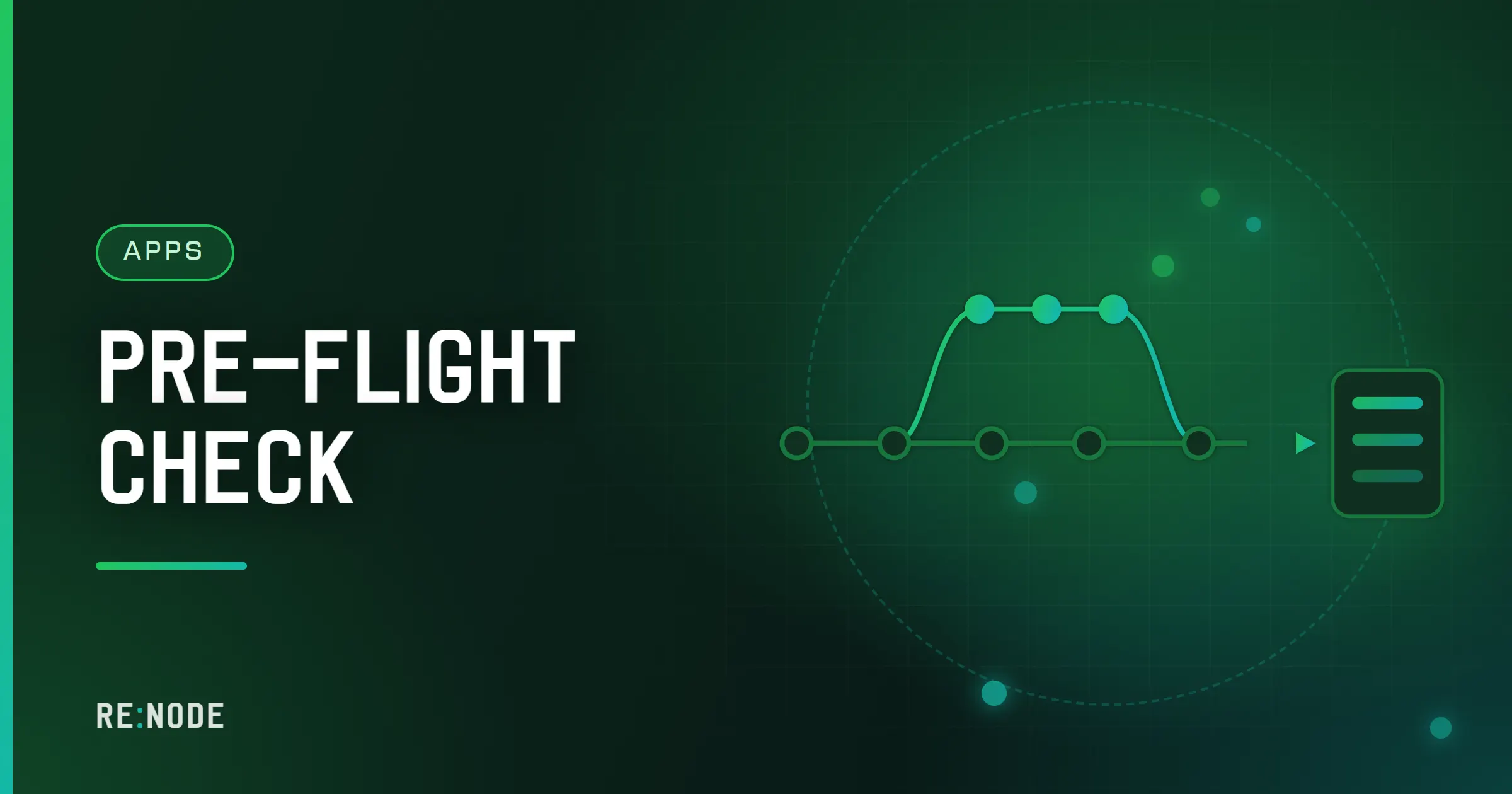
Before each push that touches the start, the port or the runtime, look at the Pre-flight check card on the GitHub tab. It reads the repository on GitHub - one tree listing and a few small files, never a clone - and lists what will break, worst first, with a fix to paste: a missing start script, an app bound to localhost or the wrong port, a missing build, a runtime version mismatch, a committed .env (reported by name, never opened). A starter passes it on the first commit; the card is how you know you have not broken that since.
Deploy on every push#
The GitHub tab has two switches, and between them they decide when new code goes live.
- Pull the latest commit every time the server starts. A restart fetches the branch and runs the new code. Nothing happens on push; you choose when to restart.
- Restart the server when someone pushes to this branch. A running server restarts within seconds of the push and comes back on the new commit. A stopped server is started, so the push goes live either way.
For a hobby bot or a personal API, push-to-deploy is the right default: commit, push, and watch the console. For anything people depend on, deploy from a branch you push to on purpose. Keep main as where work lands and make the server's production branch something like production or release, and merge into it when you mean it. Every deploy is recorded, one record per deploy, so "what is running now" has an answer.
Two things to know before you rely on it. First, the folder named in Where to put the code is brought back to the repository on every start: a fix you made live in the file manager to a file that is in Git is undone on the next deploy, and a reinstall clears the folder entirely. Make the fix in Git, and keep uploads and data out of the deploy folder - in a database or object storage. Second, a restart is a restart. A Next.js site rebuilds, a bot reconnects, and requests in flight are dropped. Zero-downtime deploys on a small server and graceful shutdown are the next step once that matters.
The deploy token the panel uses to fetch your code is minted fresh every time the server starts. There is no long-lived GitHub key on the server to leak.
When the first start fails anyway#
A starter removes most first-deploy failures, not all of them. These are the ones left.
- The page does not load but the console looks fine. You are probably browsing to the wrong port, or something you added listens on its own port. Search the console for the port number in the "listening" line and compare it with the port on the server's page.
- `DISCORD_TOKEN is not set` or `TELEGRAM_BOT_TOKEN is not set`. The bot starters stop on purpose without a token. Upload a
.envwith the variable and restart. - The bot logs in, then nothing answers. For Discord, the bot has to be invited to a server with the
applications.commandsscope before slash commands appear. For Telegram, check that no other copy of the bot - on your laptop, say - is polling with the same token; two pollers fight over the same updates. - Install fails with a version error. The Runtime version picked on the tab is older than the code needs. Changing it rebuilds the server on the new image, which replaces the files in its directory with the repository; databases and backups are untouched.
- The Next.js build is killed partway. Memory limit. Check the memory graph during the build; the fix is a bigger plan or a lighter build, not a retry.
- The server keeps going down. A crash loop is noticed: a watcher counts crashes you did not ask for, and three in an hour put a warning on the server page and open a ticket. Read the first error in the console, not the last.
- The repository is not in the list. The GitHub App sees only repositories you shared with it. Add the new repository under Manage repository access.
No template for your stack#
Bun, Deno, Go, Java, Rust, .NET and Laravel servers have no starter yet, but they all start with the placeholder page, and the same four rules make a blank repository deploy first time.
For Go, the server builds with go build on every start, and a failed build stops the start rather than running old code. A minimal main.go:
package mainimport ( "fmt" "net/http" "os")func main() { port := os.Getenv("SERVER_PORT") http.HandleFunc("/", func(w http.ResponseWriter, r *http.Request) { fmt.Fprintln(w, "hello") }) http.ListenAndServe("0.0.0.0:"+port, nil)}Commit it with a go.mod, and the pre-flight check will compare its Go version with the one on the server. Deploying a Go web service has the longer version.
For Bun, a start script in package.json is run after bun install. For Deno, a start task in deno.json is run with deno task start - and note that Deno.serve defaults to port 8000, so pass it the server's port. Bun or Deno on a small server compares the two. For Java, any runnable jar works: Spring Boot, Quarkus, Micronaut or Ktor on Java 17, 21 or 25, with the port set from SERVER_PORT.
FAQ#
Do I need to keep my repository in sync with the template?
No. A repository created from a GitHub template has no link to it and no shared history. Template updates do not reach you and your commits do not reach anyone else. If a later version of a starter fixes something you care about, copy the change across by hand like any other code.
Can my repository be private?
Yes. Choose private on GitHub's create page. The panel deploys through a GitHub App with short-lived tokens, so private repositories deploy the same way public ones do. If you later switch on the AI context pull request, a public repository gets only the general rules and none of your server's details.
Will deploying a template delete what is already on my server?
Yes, deploying reinstalls the server from the repository: files in its directory are replaced and anything not committed is lost. Databases and backups are untouched. On a brand new server there is nothing to lose; on a server you have been working on, take a backup first.
Why does my Node.js server not show the placeholder page?
The placeholder page is written on every runtime line except Node.js. A new Node.js server starts empty, so deploy a repository - a starter, or your own - before the first start.
Can I use a starter on a different host?
Yes. Nothing in them is tied to one panel beyond reading SERVER_PORT first, and they fall back to PORT and then to a local default. That covers most platforms that set a port variable, and your own machine.
How long does a push take to go live?
With push deploys on, a running server restarts within seconds of the push. The total depends on the app: an Express API is back almost at once, while a Next.js site rebuilds on start and takes as long as next build takes on that plan.